Expired medicine loss is one of the biggest hidden profit killers for pharmacies in Bangladesh. You buy stock store it carefully sell daily yet month after month a portion of your inventory turns into dead money because it crossed the expiry date. Sometimes it’s a few strips. Sometimes it’s full boxes. And when the loss adds up it feels painful because you can’t recover it through sales.
That’s exactly why more pharmacy owners are now looking for how to reduce expired medicine loss using pharmacy management software. A modern pharmacy management software in Bangladesh can help you track batches manage expiry dates apply FEFO send alerts reduce overstock and create a clean process for supplier returns so expiry becomes a controlled event not a surprise.
In this people first in depth guide we’ll cover
- Why medicines expire in your store (even with good staff)
- The real cost of expiry loss
- How pharmacy software prevents expiry with batch and FEFO tracking
- Practical workflows you can set up in your shop
- Features to look for when choosing software
- A step by step implementation plan for Bangladesh pharmacies
About GCTL Infosys: GCTL Infosys is a leading software and web development company based in Dhaka Bangladesh delivering innovative digital solutions for businesses. We build customized POS, inventory and pharmacy management systems that match real workflows so this guide focuses on practical results.
Why Expired Medicine Loss Happens Even in Busy Pharmacies
Many owners assume expiry happens because staff didn’t check dates. Sometimes that’s true, but most expiry losses come from system problems not people.
Common causes of expired medicine loss
- Medicines are stored without batch wise tracking
- No clear FEFO practice (First Expire First Out)
- Overstock purchases because demand is guessed
- Slow moving items are mixed with fast moving items
- Expiry dates are not visible during sales
- Near expiry items are not promoted or discounted early
- Supplier return deadlines are missed
- Multiple shelves and storage locations with no location mapping
- Manual stock records that don’t match actual stock
When you manage expiry using memory or occasional checks the shop eventually loses control.
The Real Cost of Expired Medicine Loss in Bangladesh
Expiry loss is not only the cost price of the medicine. It includes.
- Cost of capital (money stuck in dead stock)
- Storage cost (space occupied by unsellable products)
- Time spent counting sorting and disposing
- Emergency re-purchase when stock is missing or expired
- Customer dissatisfaction when needed medicine is unavailable
If your pharmacy has 1/3% expiry loss monthly it can quietly reduce your annual profit significantly.
The good news: with the right system expiry loss can drop dramatically especially for pharmacies with high SKU counts.
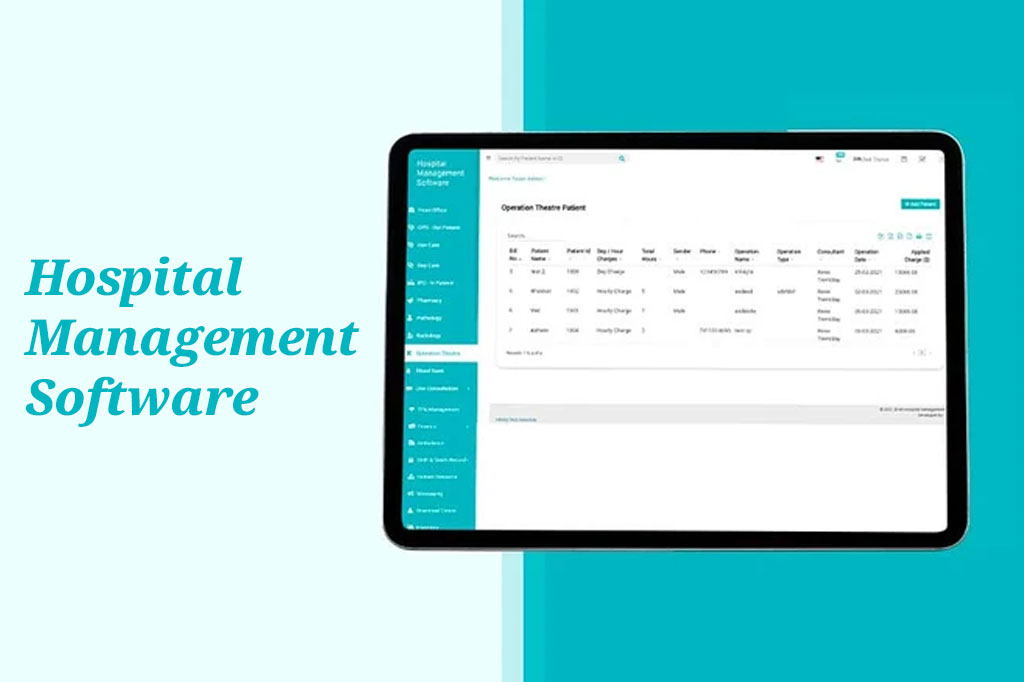
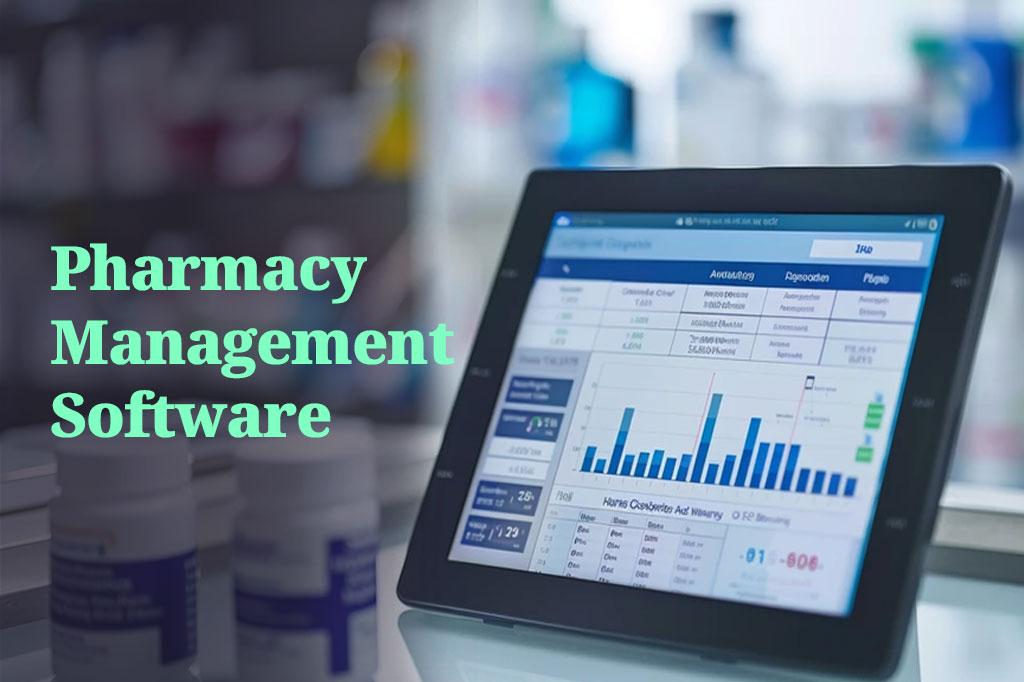
What Pharmacy Management Software Does In Simple Terms
A modern pharmacy management system typically includes.
- Pharmacy POS billing
- Inventory management
- Batch number tracking
- Expiry date tracking
- Purchase and supplier management
- Stock receiving (GRN)
- FEFO picking logic
- Near expiry alerts
- Stock aging and slow moving reports
- Returns management supplier return customer return
- Sales and profit reports
The main power is this: it turns expiry control into a daily process not a monthly surprise.
The Core Strategy: Control Expiry with Batch FEFO Alerts
To reduce expiry loss, your pharmacy needs three things working together:
- Batch wise inventory (so you know which batch is expiring)
- FEFO (so your system sells near expiry stock first)
- Expiry alerts and reports (so you act early)
Let’s break down exactly how software makes this happen.
1. Batch Tracking Prevents Blind Stock Problems
In many pharmacies, stock is tracked by item name only:
- Napa 500mg: 120 strips
But that doesn’t tell you:
- which batch those strips belong to
- which ones expire first
- which ones can be returned to supplier
A good pharmacy software tracks:
- Item name strength brand
- Batch number
- Expiry date
- Purchase date and supplier
- Quantity received sold and remaining (per batch)
2. FEFO Selling First Expire First Out Reduces Expiry Automatically
FIFO is common in general inventory but pharmacies need FEFO because expiry matters more than purchase date.
How FEFO works in pharmacy software
When the cashier sells a medicine the system.
- recommends the batch that will expire first
- deducts stock from the earliest expiring batch automatically
- prevents selling newer stock while older stock sits unused
3. Near Expiry Alerts Help You Act Early Instead of Late
Expiry control is all about timing.
Good pharmacy software can alert you.
- 90 days before expiry
- 60 days before expiry
- 30 days before expiry
- expired today
You can set alerts based on your business rules.
What you do with alerts
- Prioritize sales for near expiry items
- Contact supplier for return replace policy
- Move near expiry items to front shelf
- Offer controlled discount (where appropriate)
- Stop purchasing the same slow moving item again
4. Stock Aging Report Shows Slow Moving Items Before They Expire
Expired medicine loss often comes from slow-moving products especially uncommon brands, special supplements or low-demand items.
A strong pharmacy system provides.
- Stock aging report (how long items sit in stock)
- Slow moving report (low sales frequency)
- Dead stock report (no movement)
5. Purchase Planning Reduces Overstocking A Major Expiry Cause
Many pharmacies overstock because:
- they fear stock out
- they buy based on offers, not demand
- they don’t know true sales velocity
- different staff purchase differently
Pharmacy management software helps with.
- reorder level and minimum stock
- sales trend analysis (daily weekly monthly)
- demand forecasting (basic form)
- supplier lead time notes
- purchase suggestions based on past sales
6. Supplier Return Management Recover Value Before Expiry
In Bangladesh many suppliers allow returns or replacement for near expiry items sometimes with conditions.
Without software pharmacies miss the deadline because.
- nobody knows which stock is expiring
- batches are mixed
- return documentation is incomplete
Pharmacy software helps you.
- list near expiry items with batch and quantity
- generate supplier return report
- track return status (pending approved received)
- keep history of supplier return performance
7. Better Shelf Management with Location Tracking
If your shop has many shelves and a store room, near-expiry items often get forgotten.
Advanced pharmacy systems can support.
- shelf bin location tagging (optional)
- near expiry shelf list
- batch wise location notes
Even without formal location tracking the near expiry report tells staff exactly what to pull forward and prioritize.
8. Controls and Permissions Reduce Manual Errors
Expiry issues also happen because staff adjust stock manually.
Good software includes:
- user roles and permissions
- approval for stock adjustment
- audit logs (who changed what)
- limited access for cashiers vs managers
A Step by Step Workflow to Reduce Expiry Loss Practical Setup
Here’s a simple system any pharmacy can implement with software.
1. Clean your product master list
- Correct medicine name strength dosage form
- Standard units (box strip tablet)
- Brand and generic tagging (optional but helpful)
2. Record purchases with batch expiry at receiving
When stock arrives.
- enter batch number and expiry date
- verify supplier invoice vs actual received quantity
- store GRN record
3. Enable FEFO for sales deduction
- system auto selects earliest expiring batch
- cashier follows the suggested batch
4. Set expiry alerts
- start with 90/60/30 days alerts
- assign responsibility: one staff checks the report daily or weekly
5. Create a near expiry action routine
- move items to front shelf
- inform pharmacist manager
- contact supplier if return policy exists
- plan controlled promotions where appropriate
6. Weekly review reports
- slow moving items
- aging report
- near expiry list
- dead stock list
7. Improve purchasing rules
- reduce ordering for slow movers
- keep limited quantity for special items
- buy based on sales trend not guess
Key Features to Look for in Pharmacy Management Software Bangladesh
If expiry reduction is your goal prioritize these features.
Must have features
- Batch wise inventory tracking
- Expiry date tracking per batch
- FEFO (First Expire First Out) support
- Near expiry and expired stock alerts
- Purchase GRN receiving module
- Supplier management and return tracking
- Sales return module
- Stock adjustment controls with audit log
- Reports: expiry aging slow moving stock valuation
Nice to have features
- Barcode support
- Location shelf tracking
- POS integration with mobile banking payments
- Multi branch inventory control (if you have multiple stores)
- Centralized dashboard for owner
Common Mistakes That Keep Expiry Loss High Avoid These
1) Entering stock without batch and expiry
Then your software can’t help you.
2) Not following FEFO during sales
System suggestion must be followed physically on shelf.
3) Ignoring near-expiry reports until it’s too late
Alerts work only when someone checks them regularly.
4) Overbuying because of discount offers
Cheap purchase price becomes expensive when it expires.
5) No return plan with suppliers
Negotiate return replace terms and track them properly.
How GCTL Infosys Helps Pharmacies Reduce Expired Medicine Loss
GCTL Infosys is a Dhaka-based software and web development company providing end-to-end solutions. For pharmacies, we help build or customize:
- Pharmacy POS inventory system
- Batch and expiry tracking with FEFO
- Near expiry alerts and dashboards
- Supplier purchase GRN return workflow
- Barcode scanning (optional)
- Multi store inventory (optional)
- User roles permissions and audit logs
- Training and long term support
We focus on making the system simple for cashiers and powerful for owners so it reduces expiry loss without slowing daily sales.
FAQs
1) How does pharmacy management software reduce expired medicine loss?
It tracks batch wise expiry applies FEFO during sales and alerts you before items expire so you can sell or return them in time.
2) What is FEFO in pharmacy inventory?
FEFO means First Expire First Out the system sells items with the earliest expiry date first reducing dead stock.
3) Do I need batch tracking to control expiry?
Yes. Batch tracking is essential because expiry is batch specific. Without it you can’t manage which stock is expiring.
4) Can pharmacy software help with supplier returns?
Yes. It can generate near expiry lists by batch and quantity track return status and maintain supplier return history.
5) How often should I check expiry reports?
Ideally weekly for small pharmacies and daily for busy pharmacies or large inventories especially when many SKUs are involved.