


Accounting Software in Bangladesh
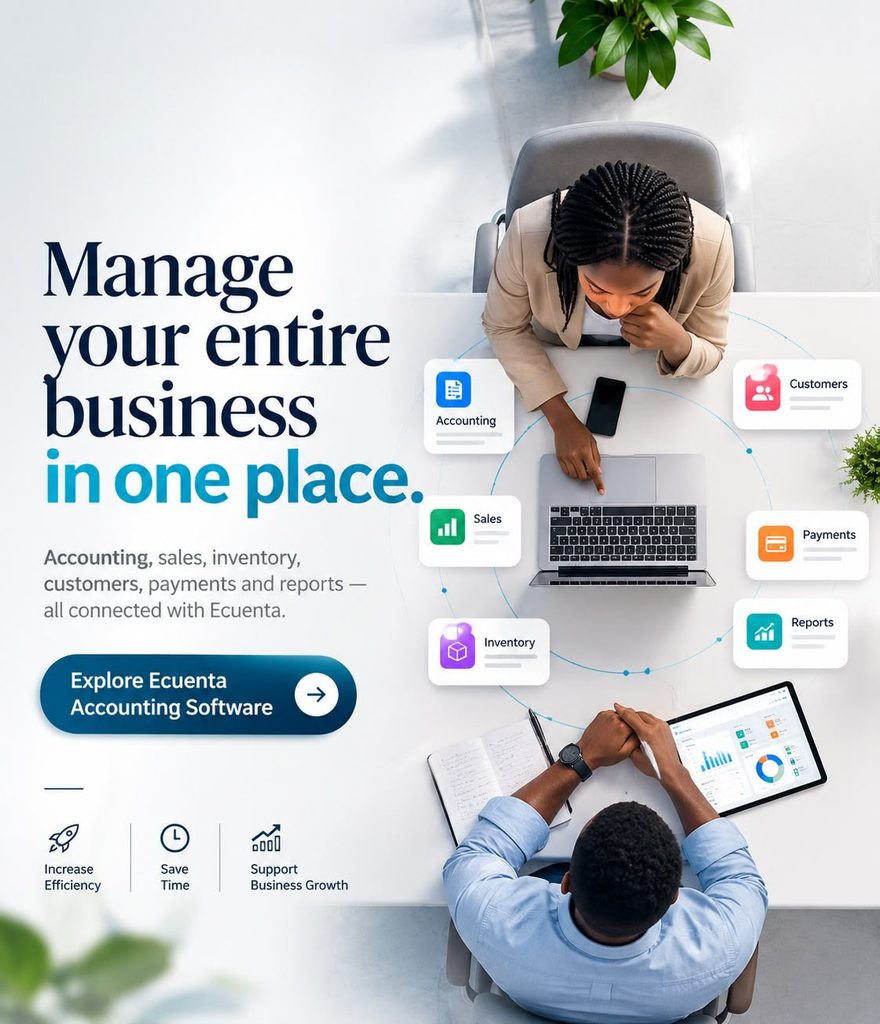
Managing accounts becomes more difficult as a business grows. More customers mean more invoices, more suppliers create additional payment records, and increasing transactions make spreadsheets and manual bookkeeping harder to control. The right Accounting Software in Bangladesh can help bring these financial activities into one organized system.
GCTL Infosys provides accounting and finance management software for businesses that need a structured way to manage day-to-day transactions, invoices, expenses, customer and supplier accounts, cash and bank records, financial reports and other accounting activities.
The solution is suitable for businesses that want to reduce repetitive bookkeeping work, improve visibility of financial records and give authorized users easier access to the information they need.
Whether you operate a small business, trading company, retail operation, distribution business, service company or growing corporate organization, the accounting system should match your transaction volume, reporting requirements, number of users and operational workflow. Businesses that need broader custom business systems can also explore GCTL’s Software Development services.
Accounting Software for Businesses in Bangladesh
Every business handles money, but not every business handles it in the same way.
A service company may primarily need invoicing, expenses, receivables and financial reporting. A trading business may also require purchasing, supplier balances and inventory integration. A multi-branch organization may need additional user control and consolidated financial visibility.
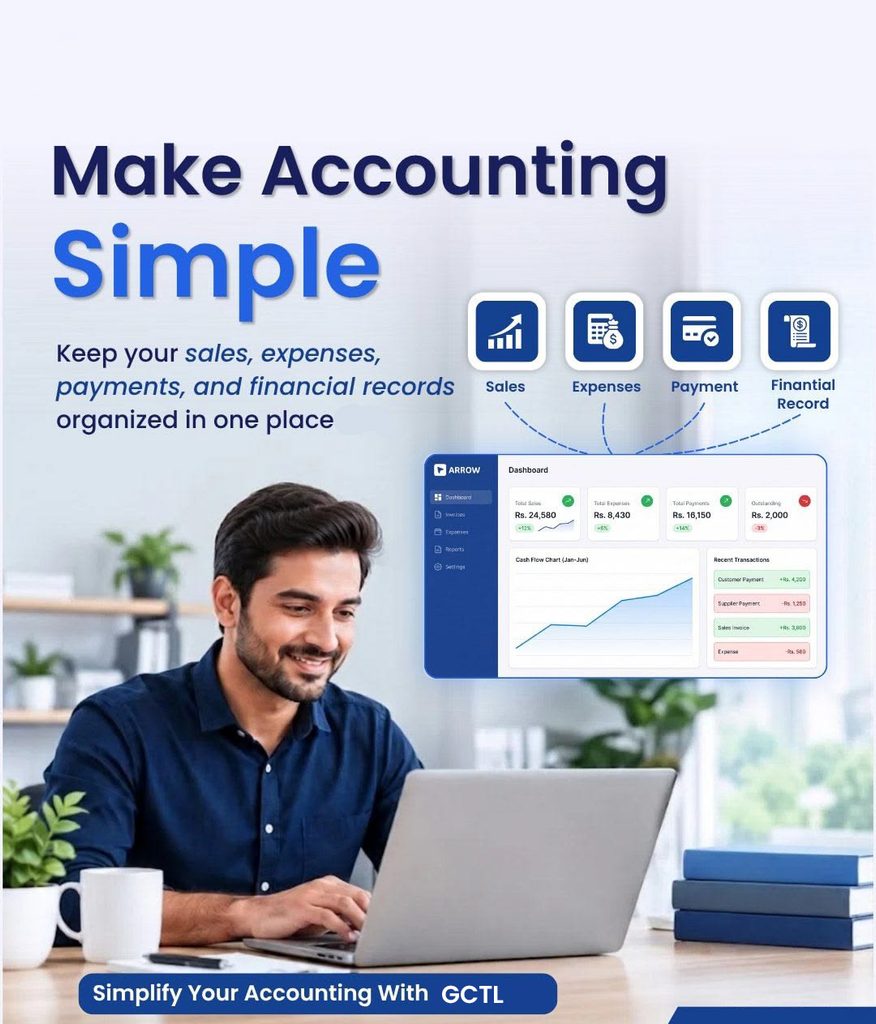
GCTL Accounting Software is designed to bring important accounting activities into a more structured workflow so users can record transactions and review financial information without depending entirely on disconnected spreadsheets or paper records.
The system can support accounting activities such as:
- General ledger management
- Customer and supplier accounts
- Accounts receivable and payable
- Sales and purchase records
- Billing and invoicing
- Income and expense tracking
- Cash and bank transactions
- Bank reconciliation
- Financial statements and reports
- VAT-related accounting workflows
- Inventory-related financial records
- User access and permissions
Exact functions should be confirmed according to the selected package, configuration and implementation scope.


Financial Statements and Reports
Recording transactions is only useful when the information can later support financial review.
Accounting software can help organize data for financial statements and management reports such as profit and loss information, account balances and other accounting summaries included in the configured system.
User Roles and Permissions
Not every employee should have access to every accounting function.
Role-based access can help organizations separate responsibilities between accountants, managers, administrators and other authorized users. This becomes increasingly important when several employees work with the same financial system.
Key Features of GCTL Accounting Software
Useful accounting software should make daily accounting work easier without making routine tasks unnecessarily complicated. The features that matter most are usually the ones employees use every day.
General Ledger Management
The general ledger is one of the foundations of an accounting system. Transactions recorded across different accounts need to remain organized so the accounts team can review the financial position of the business and prepare relevant reports.
A structured ledger system can reduce the need to maintain several separate worksheets for different account categories.
Accounts Receivable and Accounts Payable
Businesses need to know two things clearly:
Who owes the business money and who the business needs to pay.
Accounts receivable helps organize customer balances and outstanding amounts, while accounts payable helps keep track of supplier and other payment obligations.
This visibility becomes especially useful when transaction volumes increase.
Billing and Invoicing
Invoices are part of the daily workflow of many businesses. Accounting software can help users create and maintain billing records while linking invoices with the corresponding customer and financial information.
This makes it easier to review previous transactions and reduce duplicate record-keeping.
Income and Expense Management
Understanding where money comes from and where it goes is essential for financial control.
Instead of keeping separate expense notes or spreadsheets, accounting software can help categorize income and expenses so the information can later be reviewed through financial reports.
Cash and Bank Management
Businesses often handle transactions through several channels.
Cash and bank records should therefore remain properly organized so the accounts team can understand current balances and transaction history.
Bank Reconciliation
Bank reconciliation helps compare internal accounting records with bank transactions.
A structured reconciliation process can help identify missing entries, duplicate transactions or other discrepancies that require attention.
Accounting Software for Small Businesses and SMEs in Bangladesh
Small businesses often begin with notebooks or spreadsheets because they are familiar and inexpensive.
That approach can work when transaction volumes are limited. Problems usually begin when the owner has to manage more customers, suppliers, invoices, expenses and payments at the same time.
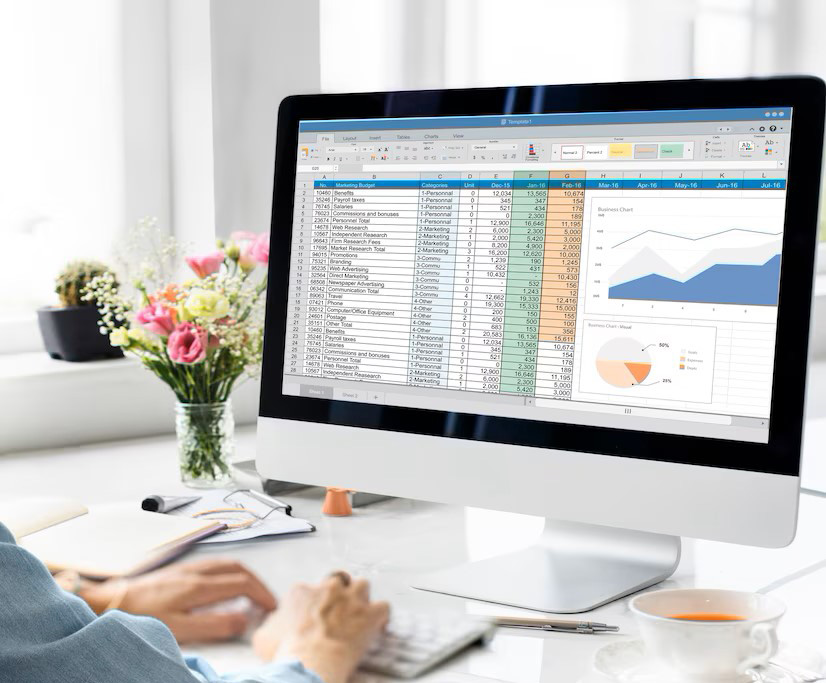
Accounting software for small businesses in Bangladesh can help centralize financial records and reduce the amount of manual consolidation required at the end of each month.
A small or medium-sized business may benefit from accounting software when:
- Customer balances become difficult to track
- Supplier payments are stored in several files
- Invoices need to be reviewed frequently
- Expenses are recorded manually
- Financial reporting takes too long
- More than one employee needs access
- Management wants faster access to financial information
The objective is not to introduce unnecessary complexity. The software should make existing accounting work easier to control.

Accounting Software for Trading, Retail and Distribution Businesses
Trading, retail and distribution companies often need accounting information to stay connected with sales, purchases, stock and supplier activity.
A financial system used by these businesses may need to handle high transaction volumes while keeping customer, supplier and inventory-related financial records organized.
Trading Businesses
Trading companies commonly need visibility into:
- Purchases
- Sales
- Supplier balances
- Customer balances
- Expenses
- Cash and bank transactions
- Profitability
Keeping these records connected can reduce the amount of manual work required to prepare management reports.
Retail Businesses
Retail accounting often works closely with billing and sales activity.
Businesses that require a complete point-of-sale workflow can explore GCTL’s Point of Sale POS Software.
The accounting page should remain focused on financial management, while the POS page handles retail transaction and point-of-sale intent.
Distribution Businesses
Distribution companies may deal with multiple customers, suppliers, product categories and payment cycles.
An accounting system can help organize financial transactions while inventory operations remain connected through the appropriate modules or integrations.
Accounting Software with Inventory Management
Accounting and inventory are closely related for businesses that buy, store and sell physical products.
Purchasing inventory affects supplier balances and cash flow. Selling inventory creates revenue and customer transactions. Stock adjustments can also affect financial records.
For this reason, businesses with significant stock operations should consider how accounting and inventory information will work together.
GCTL provides a dedicated Inventory Management Software solution for businesses that need more detailed stock, warehouse and inventory-management workflows.
The Accounting Software page should therefore focus on the financial side of inventory rather than competing with the dedicated Inventory Management page for inventory-specific keywords.
VAT and Tax-Related Accounting for Bangladesh Businesses
Businesses operating in Bangladesh may have VAT and tax-related record-keeping requirements depending on their registration status, industry and transaction type.
An accounting implementation should therefore consider the business’s actual invoicing, purchase, sales and reporting requirements from the beginning.
GCTL Accounting Software can be configured around supported VAT-related accounting and reporting workflows according to the selected implementation scope.
Before implementation, the business should identify:
- VAT registration requirements
- Required invoice information
- Purchase and sales records
- Applicable VAT reports
- BIN-related information
- Tax-related account categories
- Required reporting periods
Because tax and VAT rules can change, businesses should confirm their current statutory requirements with their accounts or tax professionals and verify the exact software outputs during the demo and implementation stage.
This is more reliable than simply choosing software because a vendor describes it as “VAT compliant.”
Cloud Accounting Software and Business Access Requirements
Many businesses searching for Cloud Accounting Software in Bangladesh are not only looking for an online login. They want easier access to financial information from different locations while maintaining appropriate control over users and data.
Before choosing a deployment model, businesses should consider:
- Number of users
- Office locations
- Remote-access requirements
- Internet reliability
- Backup responsibilities
- Security policy
- Database size
- Existing infrastructure
- Support requirements
The appropriate deployment and access model should be confirmed according to the selected GCTL Accounting Software configuration.
A business with one office may have very different requirements from an organization with several branches and remote users.
Accounting Software Price in Bangladesh
The Accounting Software Price in Bangladesh should be evaluated according to the functionality and implementation required by the business.
A simple accounting setup for a small company should not automatically cost the same as a multi-user or multi-branch implementation with inventory integration, data migration and business-specific customization.
Important pricing factors include:
| Pricing Factor | How It Affects the Project |
| Number of Users | More users may require additional access and permission configuration |
| Accounting Modules | Core accounting and additional financial functions affect scope |
| Number of Branches | Multi-branch requirements can increase setup complexity |
| Inventory Integration | Stock-related workflows may require additional modules or integration |
| VAT Requirements | Required invoice and reporting configuration affects implementation |
| Deployment | Hosting and access requirements can change the project scope |
| Data Migration | Existing records may need preparation, cleaning and import |
| Customization | Business-specific workflows require additional implementation |
| Training | More users or departments may require additional training |
| Support | Maintenance and post-launch support depend on the selected arrangement |
For this reason, businesses should compare quotations based on scope, not only on the final amount. A quotation should clearly explain what modules, users, implementation, migration, training and support are included. For current pricing, businesses can contact GCTL Infosys and request a quotation based on their accounting requirements.

Financial Reports Available from Accounting Software
Financial software should not only store records. It should help authorized users understand those records.
Depending on the configured modules, accounting reports may help users review:
Customer and Supplier Balances
Users can review outstanding balances and transaction history to understand receivables and payables.
Income and Expense Reports
These reports help management understand where revenue is coming from and which categories are generating expenses.
Profit and Loss Information
Profit-and-loss reporting can help businesses compare income and expenses over a selected period.
Cash and Bank Reports
Cash and bank information can help accounts teams review balances and transaction activity.
Sales and Purchase Reports
Businesses can use sales and purchase data to understand transaction activity over a defined period.
Account Statements
Structured account statements can make it easier to review transactions related to customers, suppliers or other accounts.
The exact report list should be demonstrated during the product demo so the business can confirm that the system supports its actual accounting workflow.
Accounting Software Security, Backup and User Access
Financial data is sensitive business information.
Accounting software should therefore be implemented with appropriate controls around access, credentials, backups and administrative permissions.
Role-Based Access
Users should receive only the permissions required for their responsibilities.
For example, a data-entry user may not need the same access as an accounts manager or administrator.
User Authentication
Access to financial records should be restricted to authorized users.
Credential-management practices should also be defined as part of implementation.
Backup Planning
Businesses should understand:
- What data is backed up
- How frequently backups are taken
- Who is responsible for backups
- Where the backups are stored
- How data would be restored if required
A backup is useful only when there is also a clear recovery process.
Administrative Control
The organization should know who has administrative access and how changes to users or permissions are handled.
Accounting Software Implementation Process
Purchasing software is only one part of a successful accounting-system project.
Implementation should also consider the business’s existing records, staff responsibilities and day-to-day accounting process.
Requirement Review
The first step is understanding how the business currently manages accounts.
This may include reviewing:
- Customer and supplier records
- Account structure
- Sales and purchase processes
- Expenses
- Bank accounts
- Existing spreadsheets
- Inventory connection
- VAT-related requirements
- Reporting requirements
Software Configuration
The selected accounting functions, user roles and settings can then be configured according to the agreed scope.
Existing Data Preparation
If historical information needs to be moved from spreadsheets or another platform, the data should be reviewed before migration.
Poorly structured or duplicated records can create problems after import.
Testing
Important accounting workflows should be tested using realistic transactions before full use begins.
User Training
Employees should understand how to enter transactions, review records and use the reports relevant to their roles.
Go-Live
After testing and approval, the accounting system can move into normal operational use.
Ongoing Support
New users, reports, operational changes or future integrations may create additional requirements after implementation.
Local Training and Technical Support
Software is most useful when employees understand how to use it in their normal working environment.
For businesses in Bangladesh, access to local sales and technical support can make implementation and ongoing use easier, particularly when users need help with configuration, reports, data or operational questions.
GCTL Infosys provides sales and support for the Bangladesh market, allowing businesses to discuss their requirements with a local team.
Support requirements should still be agreed before purchase.
Ask what is included in:
- Initial setup
- Training
- Data migration
- Remote support
- On-site support where applicable
- Bug fixing
- System updates
- Custom reports
- Future customization
Clear expectations help avoid misunderstandings later.
Accounting Software and ERP Accounting Are Not the Same
Accounting software and ERP systems are not always the same requirement. A business that primarily needs financial management may require dedicated accounting software.
An organization that needs finance together with purchasing, inventory, production, HR and broader departmental workflows may require a wider ERP system. GCTL provides a separate ERP Software service for broader enterprise requirements.
This page therefore remains focused on Accounting Software in Bangladesh, while the ERP page should focus on ERP modules and enterprise-wide workflows.
That distinction also helps businesses choose the correct solution rather than assuming every accounting requirement needs a full ERP implementation.
Accounting Software and Payroll Requirements
Accounting software may interact with employee-related financial records, but detailed HR and payroll management is a different functional area.
Businesses that need attendance, employee records, leave, salary processing and broader payroll workflows can explore GCTL’s dedicated HR and Payroll Software.
Keeping these functions on separate service pages also helps avoid mixing accounting search intent with HR-software intent.
Why Businesses Choose GCTL Accounting Software
The right accounting software should match the actual accounting workflow of the organization.
GCTL Infosys focuses on practical business requirements such as financial record management, invoicing, customer and supplier accounts, expenses, cash and bank activity, reporting, user access and related accounting processes.
Businesses can also connect their accounting requirements with GCTL’s wider software ecosystem when they need dedicated inventory, POS, ERP or HR solutions.
This makes it possible to begin with the financial requirements of the business and expand into related operational systems where appropriate, without forcing every customer into the same configuration.
Choosing Accounting Software for Your Business
Before requesting a demo or quotation, prepare a short description of how your accounts team currently works.
Useful information includes:
- Business type
- Number of branches
- Number of accounting users
- Approximate transaction volume
- Existing accounting method
- Customer and supplier volume
- Inventory requirements
- VAT-related requirements
- Required financial reports
- Existing software
- Data migration needs
- Access requirements
- Training needs
- Support expectations
A detailed requirement makes it easier to identify whether the proposed accounting system fits the business.
Request an Accounting Software Demo or Quotation
If you are looking for Accounting Software in Bangladesh, the next step should be to review the software using your own accounting requirements rather than choosing only from a feature list.
Prepare a few real examples of your invoices, expenses, customer accounts, supplier transactions, bank records and required reports.
GCTL Infosys can then review the requirements, demonstrate the relevant accounting functions and prepare a quotation according to the selected scope. For a demo or pricing discussion, contact GCTL Infosys.

Features at Glance

Quick billing invoice

Product stock report

Daily paid and due sales report

Product purchase report date wise

Expense list report

Product return by customer

Daily sales profit loss report

Daily sales / purchase / profit / loss report via mobile SMS

Bank transaction list and report

Customer and supplier ledger

A4 / POS printer for printing bill

Auto barcode generate